
Gain total visibility over your finances with an intelligent dashboard designed to track upcoming, overdue, and paid bills in one secure, local-first platform.
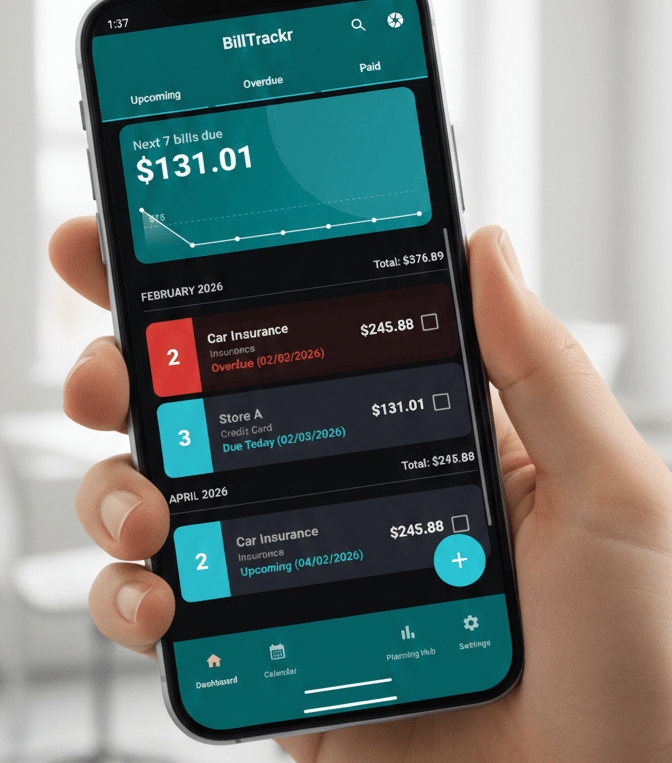


See BillTrackr in Action
Watch this quick walkthrough to see how our intelligent dashboard organizes your finances into Upcoming, Overdue, and Paid statuses, giving you total visibility over every monthly commitment.

Guidance Document
Gallery
A closer look at BillTrackr's intuitive features and design.
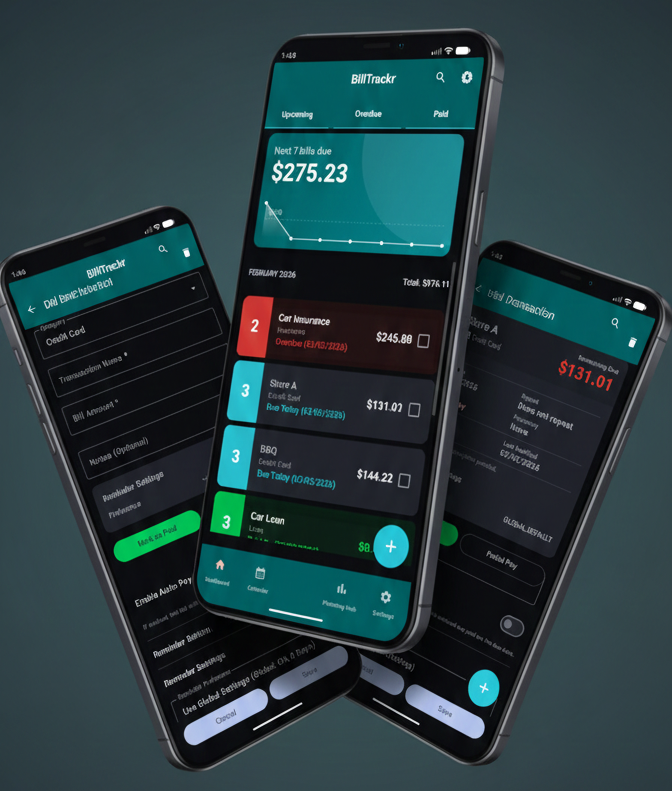
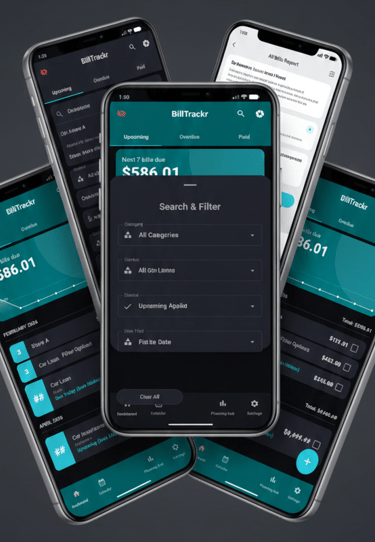
Dashboard: Your Financial Overview
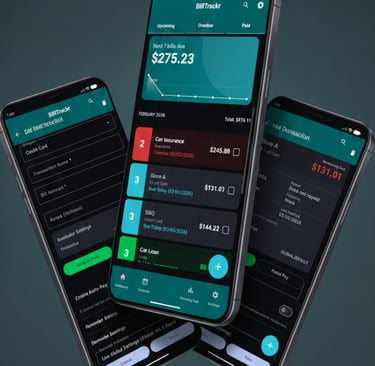
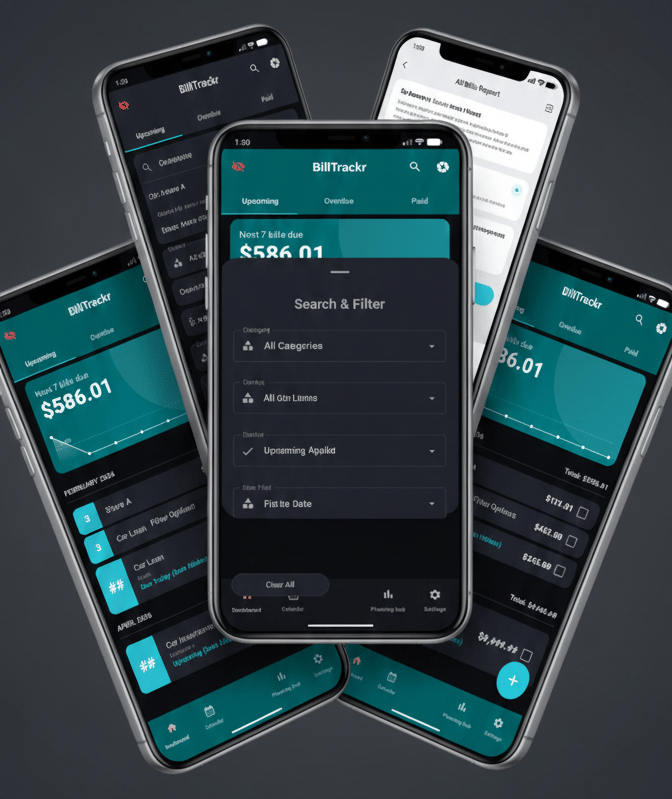
Track every bill from a single dashboard screen and an upcoming 7-day visual trend chart.
Organize your workflow using Upcoming, Overdue, and Paid status tabs.
Log new expenses quickly with fields for Category, Amount, Due Date, and more.
Update any transaction detail, from the Bill Amount to specific Due Dates, to keep your records accurate.
See all your details for a given Bill and check the status of specific obligations, like those "Due Today".
Smart Receipt Scanning: Automated Data Entry
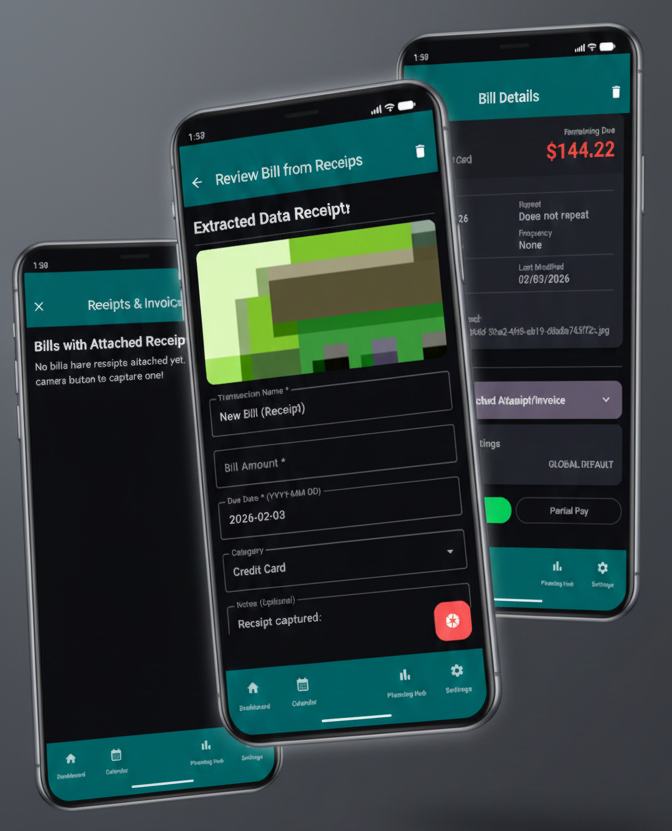
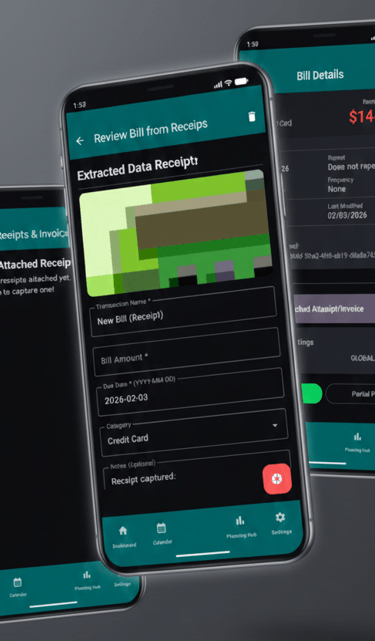
Extract Data Instantly: Use the Extracted Data Review feature to automatically pull the Transaction Name, Bill Amount, and Due Date from a photo of your receipt.
Verify and Save: Review the captured information for accuracy and add custom Notes before clicking Save Bill.
Digital Record-Keeping: Easily capture new receipts via the Receipts & Invoices gallery to maintain a digital archive of your financial documents.
Manage Loans: Strategize Your Debt
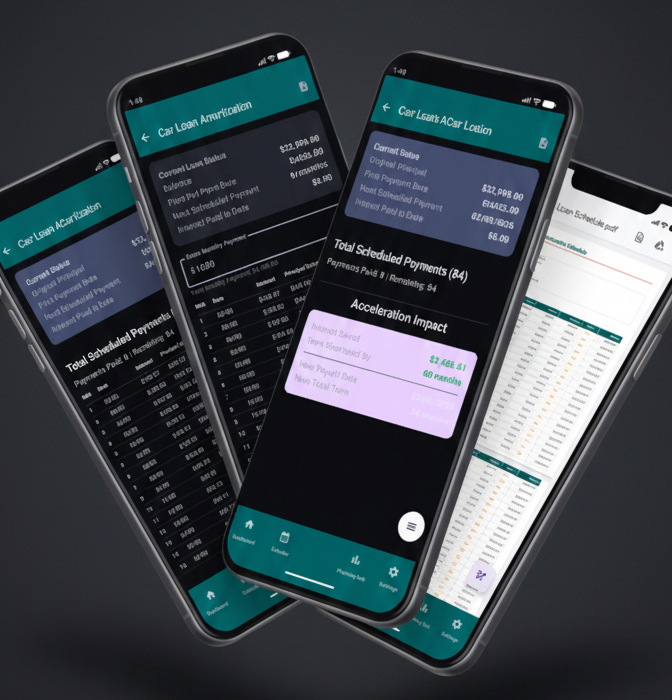
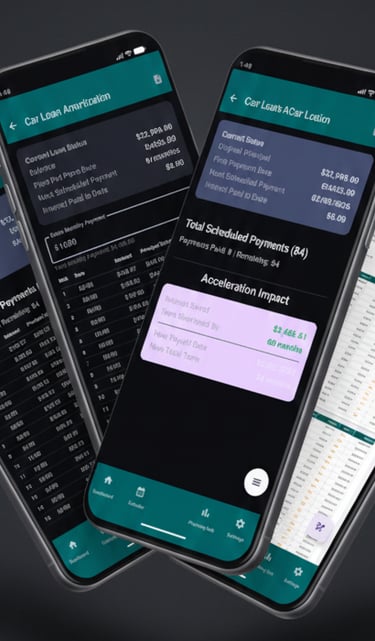
Log high-value debt in the Planning Hub by inputting your Original Principal, Annual Rate, and Monthly Payment.
View a complete, month-by-month table of all Total Scheduled Payments with the amortization schedule.
Identify the exact split between Interest and Principal for every payment in your term.
Generate a comprehensive Loan Amortization Schedule as a professional PDF document,.
Visual Analytics: See the Big Picture
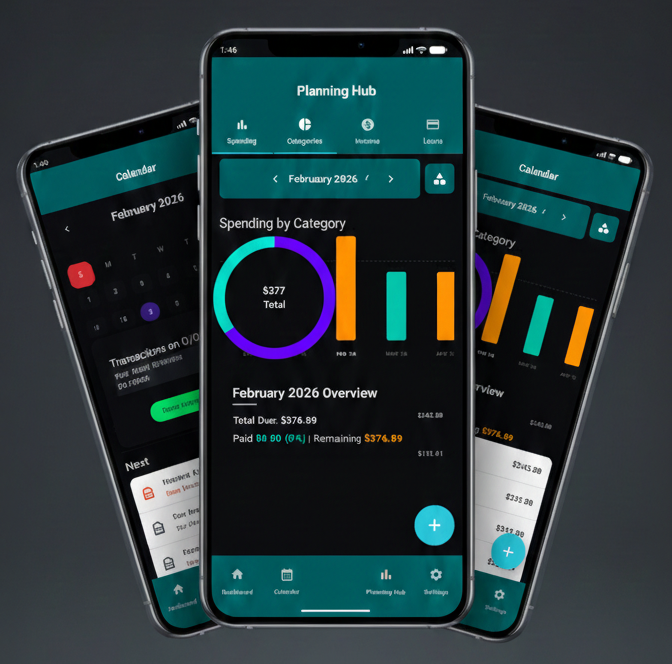
Visualize your entire month with a clean grid highlighting every upcoming and past Due Date.
Quick Planning: Instantly see your Next 5 Upcoming Bills listed below the calendar for immediate financial awareness.
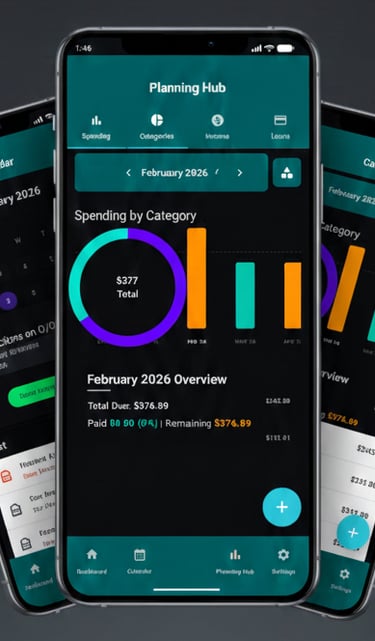
Bar Chart Analytics: View a month-by-month bar chart that tracks your Total Due for any selected period.
Trend Identification: Easily navigate through past and future months to identify fluctuations in your monthly obligations.
Visual Distribution: Use a dynamic pie chart to see your Spending by Category at a high level.
Advanced Settings: Streamlined Management
Keyword Search: Instantly locate specific transactions using the built-in search bar.
Custom Filters: Narrow your results by Category, Status (Upcoming, Overdue, Paid), or specific Date Fields.
Compact Mode: View a simplified list of your obligations organized clearly by month.
Value Masking: Instantly hide currency amounts and other important information behind placeholders to keep your balance and information private.
Secure Access: Utilize your device’s fingerprint or face recognition for a seamless and secure login experience.
All Bills Report: Generate a comprehensive table of every tracked bill, including Due Date, Category, and Status, for easy physical filing.
AND MORE...
Continually evolving through rigorous iterative development to deliver superior user experience, enhanced security, and optimized operational workflows.
Have an Idea?
Does the app offer automated tracking?
BillTrackr includes an "Enable Auto-Pay" toggle for individual bills. When activated, the app will automatically mark that bill as paid on its due date, reducing manual entry for your predictable expenses.